
Group Camping Trip Planner
QAMP is a free camping trip planner that keeps your whole group on the same page. Pick campsites on a map of Ontario provincial parks, check real photos of each site, build a shared group camping checklist and chat about plans in one place, instead of juggling a spreadsheet, a group chat and three browser tabs of park maps.
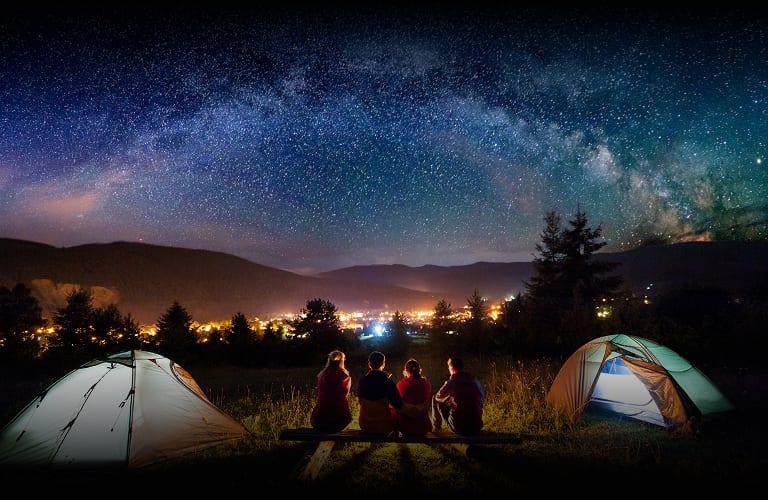
Pick the right campsite, together
Start on the Ontario campsite map. Every mapped campsite links to its own page with photos, reviews and its exact location, so everyone in the group can see the tent pad, tree cover and view before anyone books.
Compare sites with real photos
Our campsite photo collection has thousands of photos from parks like Sandbanks, Awenda and Arrowhead. Photos are tied to site numbers, so there is no guessing.
Build a multi-stop route
Add several campsites to a route to plan a multi-night trip. For canoe trips, QAMP works out paddling legs across lakes and portages and gives you total distance and travel time.
Build a gear checklist
Every trip plan includes a shared packing list. Add items under gear, food, safety or other, set quantities, and let each person claim what they are bringing. Everyone sees the same list, so you will not end up with three stoves and no can opener.
Start from a proven list
If this is your first trip, our camping checklist for beginners walks through shelter, sleep, kitchen, clothing and safety essentials.
Keep the group on the same page
Trip plans have their own chat, so questions about arrival times, carpools and meal plans stay attached to the trip rather than getting lost in a busy group chat. Members can see the dates, the number of nights at each stop and the route at a glance.
Share trip photos after you get home
When the trip is over, post your photos to the campsite page. Your group gets an album in one place, and the next camper gets an honest look at the site. Browse recent camping trip reports to see how others use it.
How to plan a camping trip with QAMP
- Open the campsite map and choose a park.
- Tap campsites to compare photos, reviews and amenities nearby.
- Add your favourite sites to a route.
- Start a trip plan and invite your group.
- Fill in the shared checklist and assign items.
- Reserve your site through Ontario Parks and head out.
For a deeper walkthrough, read how to plan a group camping trip.